Seating charts for galas and awards dinners
Sponsors at the front, the board at the head table, a vegan meal at table 12. Plan it from your guest spreadsheet, share it with your committee, and print everything the venue needs on the night.
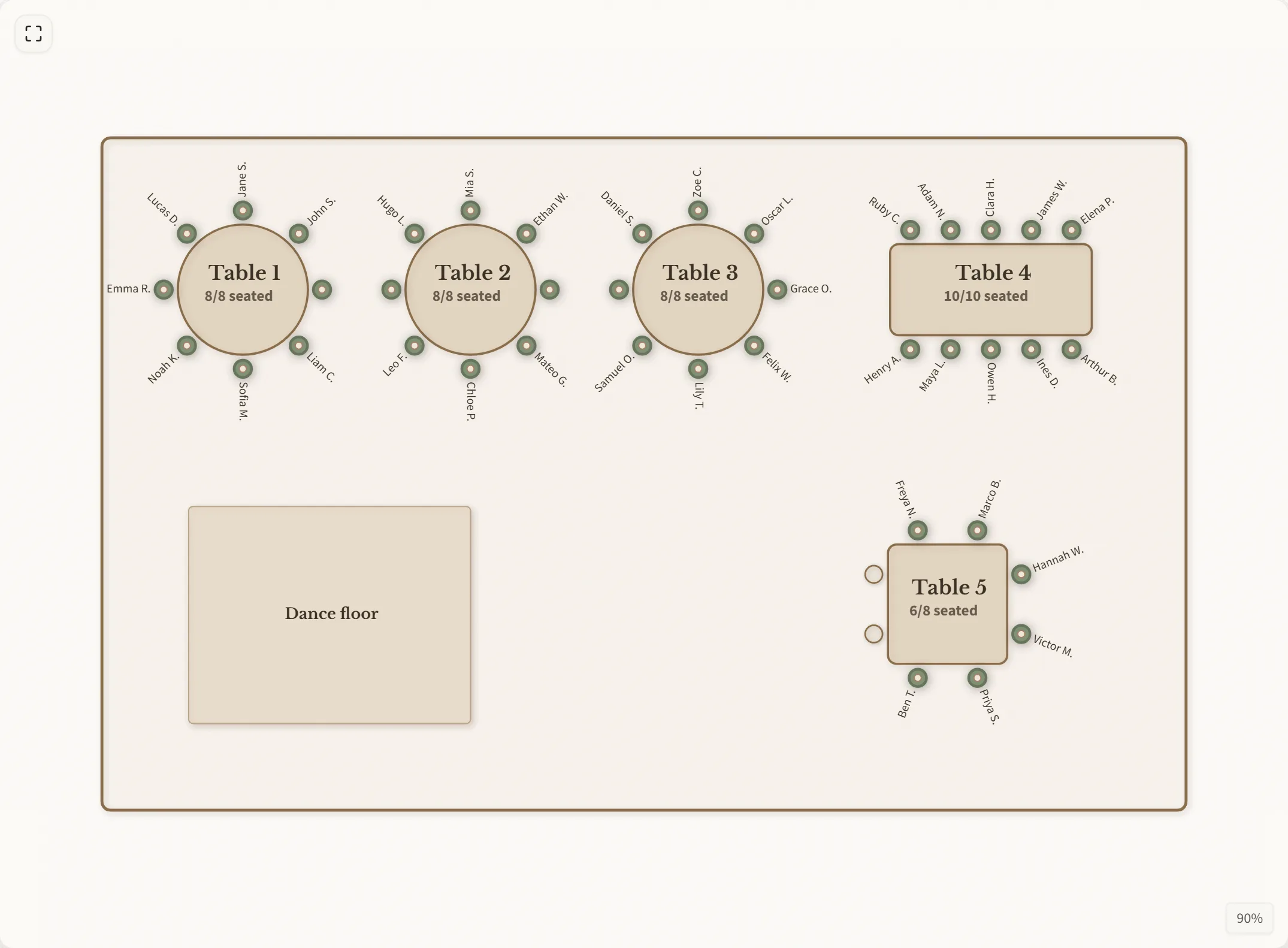
What a gala needs
Named and locked tables
Call them Head table, Gold sponsor or Board. Lock the tables that are settled: they can't be moved by accident, and “Seat all” fills the rest of the room around them.
Tags and dietary notes
Mark guests as VIP, Sponsor or Speaker and search by tag. Add dietary needs and allergies; they print next to each name on the table lists for the caterer.
Straight from your spreadsheet
Paste columns from Excel or Google Sheets. Meal or dietary columns and tag or group columns come in with the names. Export the finished plan as a CSV with tables, seats, tags and dietary needs.
Everything printed for the night
A numbered floor plan, one list per table, an A–Z seat finder, fold-over table cards and place cards for every seated guest. Print or save as PDF.
QR seat finder at check-in
Put one poster at the entrance. Guests scan it, type their name and see their table on the floor plan, so the check-in desk stays short.
One link for the committee
Everyone with the link sees the latest plan. Changes need a 6-digit PIN, so you decide who can move people. Undo is one click away when someone does.
Questions
How many guests can it handle? There is no set limit on guests or tables. Round tables take 2 to 14 seats, long tables up to 30.
Can I mark sponsor tables? Yes. Name the table after the sponsor and tag its guests, so you can find them all with one search.
Is it free? Planning, sharing and printing cost nothing while we are in beta.
Where are guest names stored? Only where needed to show your chart. See our privacy page.